Useful information for any users of the Foodiverse mobile app.
Prerequisites - Donor specific
-
Go to My Organisation -> Manage branches -> Actions -> Edit
-
Under ‘Transfer Authentication’ enable ‘Four digit code’

Collector authentication is set at a branch level
Collector authentication will now be active with all donations for this branch
Collector authentication example
-
The donor branch will post a donation, as normal.
-
The charity will accept the donation, as normal.
-
The charity will see a new donation card.

-
This contains the code needed to transfer the donation - unique to each donor.
-
CODE: 5506.
-
-
Once the charity has collected the donor can mark the donation complete by pressing the ‘check mark’, as normal.

-
The donor will have to input the code the charity give from their dashboard.

-
The donation process is now complete.
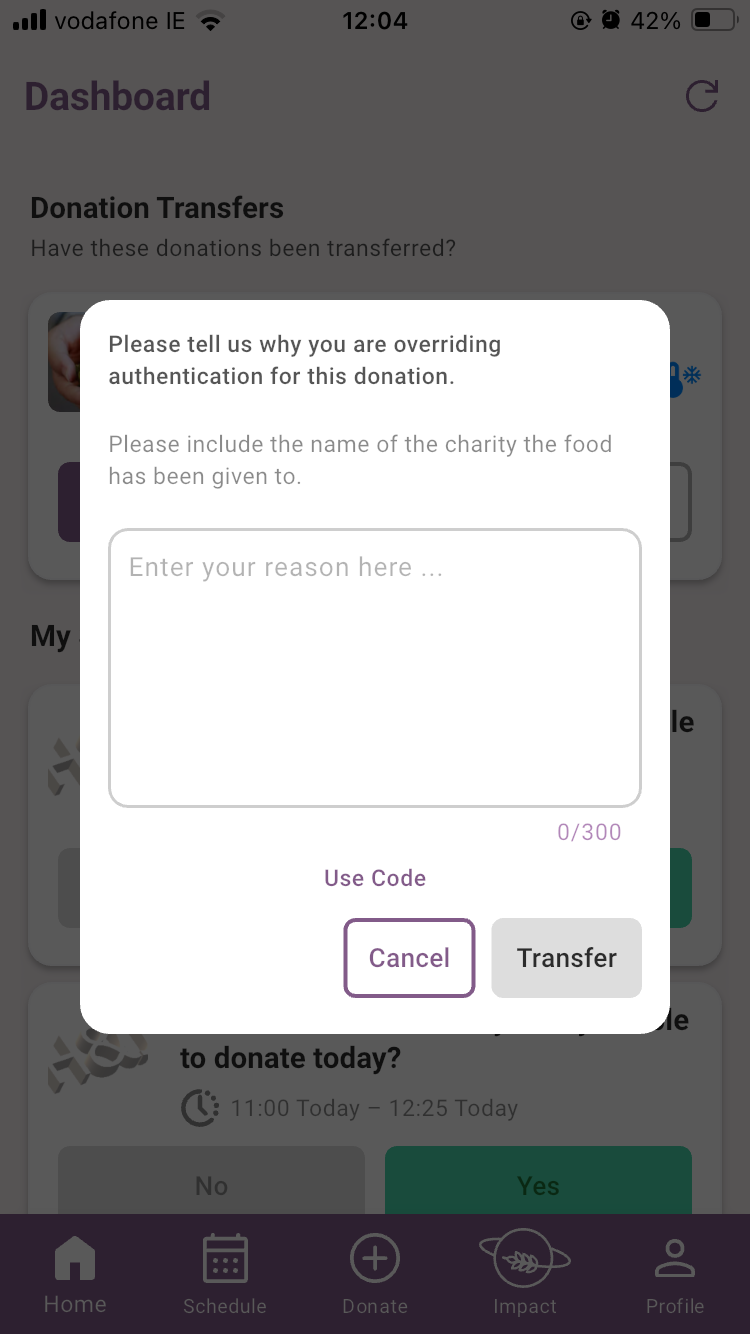
The option to override the need for a code can be used by the donor
-
This should be used rarely and only when necessary
-
A reason must be given in order for the transfer to be allowed