
This is useful for all donor admins, donor users with branch viewer/manager access, foodbank with member manager access on a donor
Turning on the donation acceptance details feature
-
Login as your donor admin account
-
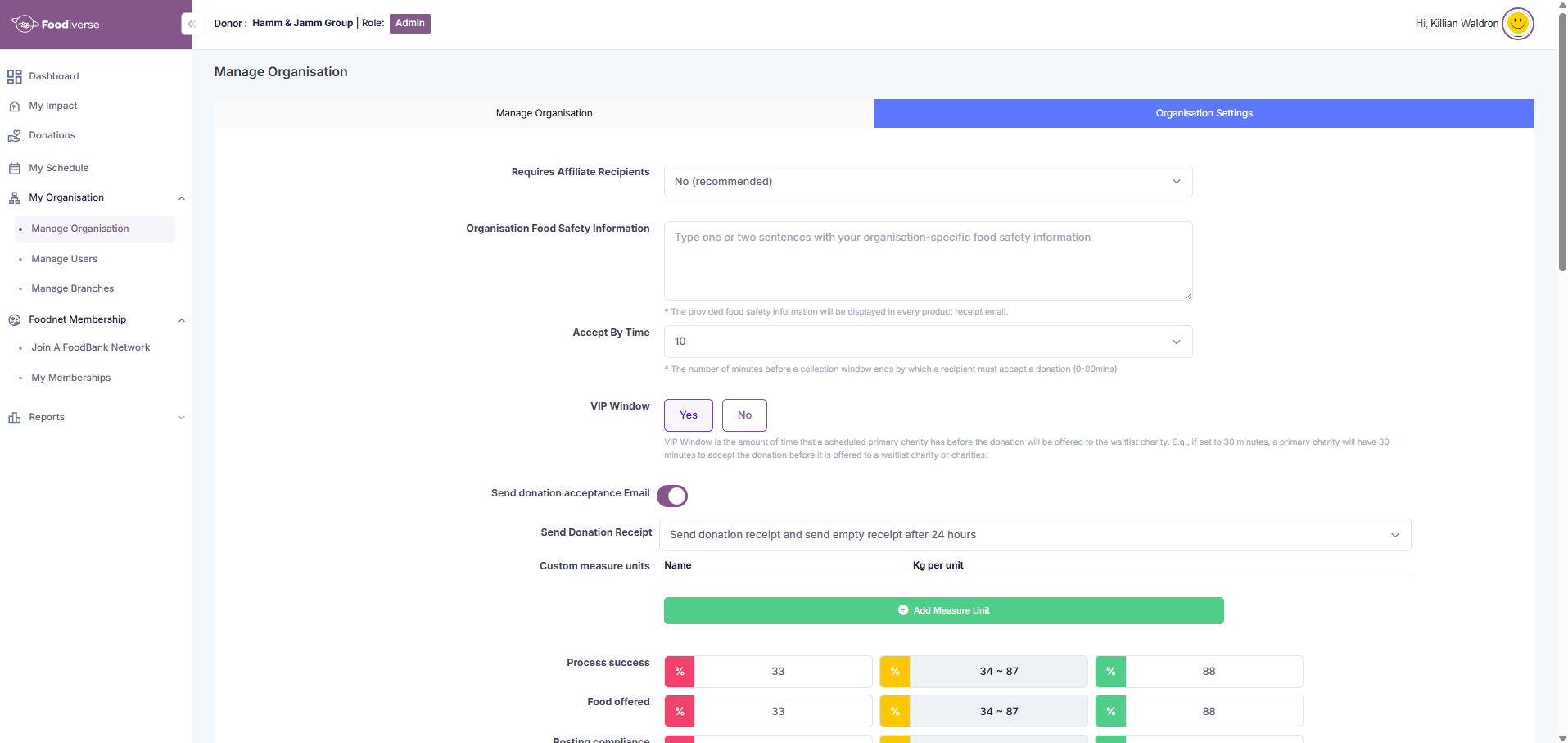
Go to My Organisation → Manage Organisation → Organisation Settings → Send donation acceptance Email
-
Click the toggle, as pictured below, to turn the feature on
-
Here is a list of all user roles that will receive the donation acceptance details feature -
-
Donor users with branch viewer/ branch user permissions
Donation acceptance details email example
-
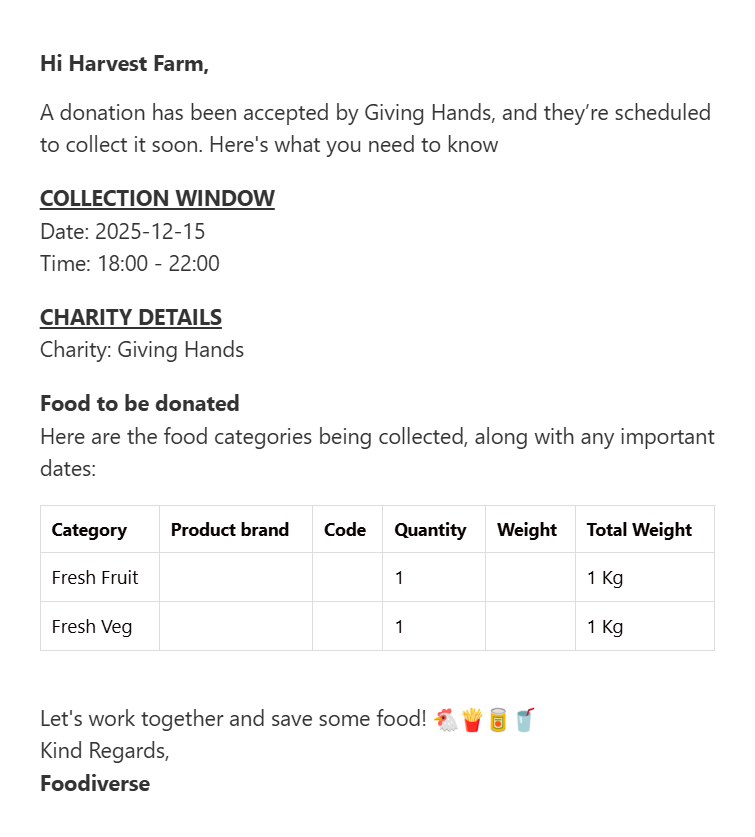
When the donation has been accepted by a charity -
-
Email content include -
-
Collection window date and timeframe
-
The charity name
-
The donation content’s details
-
A positive message on saving food
-
-
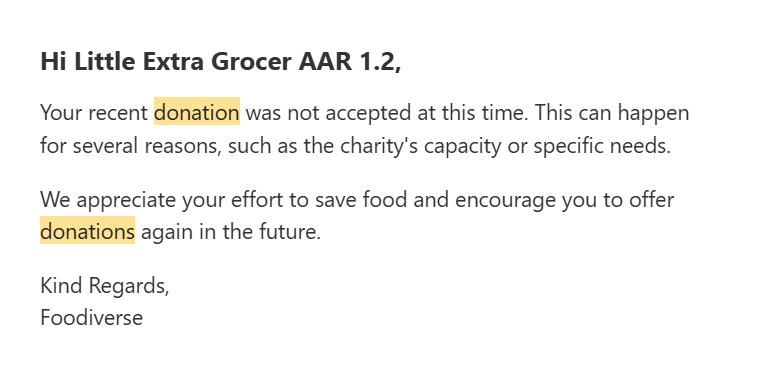
When a donation was not accepted in time -
-
Email content include -
-
A message indicating the donation wasn’t accepted
-
An encouraging message to continue to try again
-