
Useful information for food banks and donor organisations.
-
There are a number of configuration settings that influence how a User can add Food Categories or Product details when Creating a donation.
-
You can also configure Foodiverse to only allow default food categories or approved products.
-
These settings can help provide standards and consistency for a donor organisation when posting donations.
-
The 3 settings work together in combination.
The Settings are configured in Manage Branches → Edit

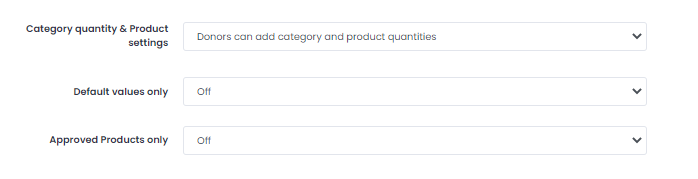
Category quantity and Product Setting
-
The Category quantity & Product settings features three options:
-
Donors can add category and product quantities.
-
Donors can add product quantities only.
-
Donors can add category quantities only.
-

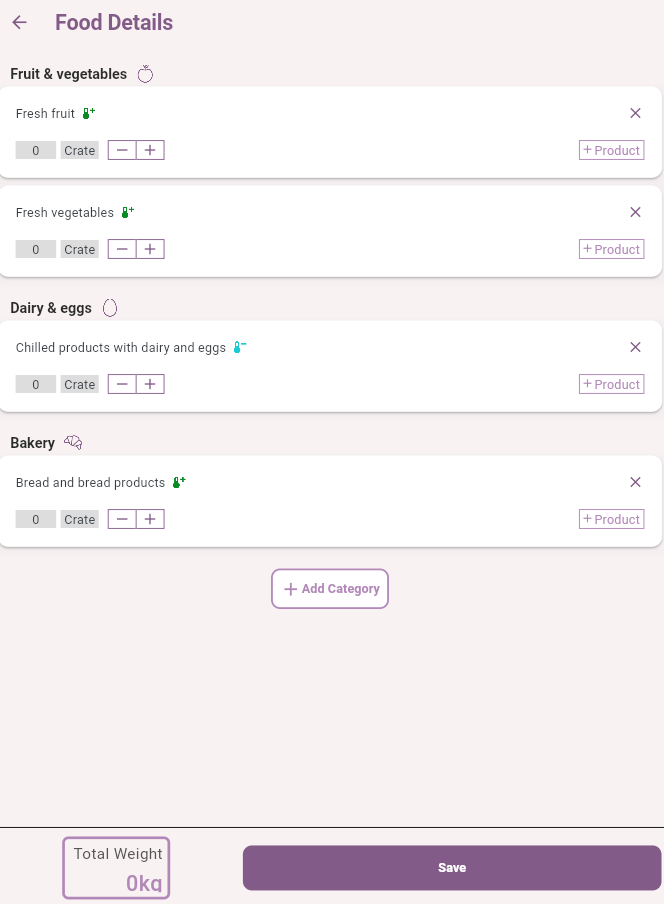
Option 1 - Donors can add category and product quantities
-
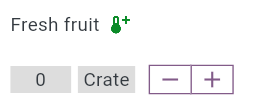
This setting means the donor can add
-
Category data
-
Product data

-
-
This setting can be used in combination with Default Values only and/or Approved Products only.
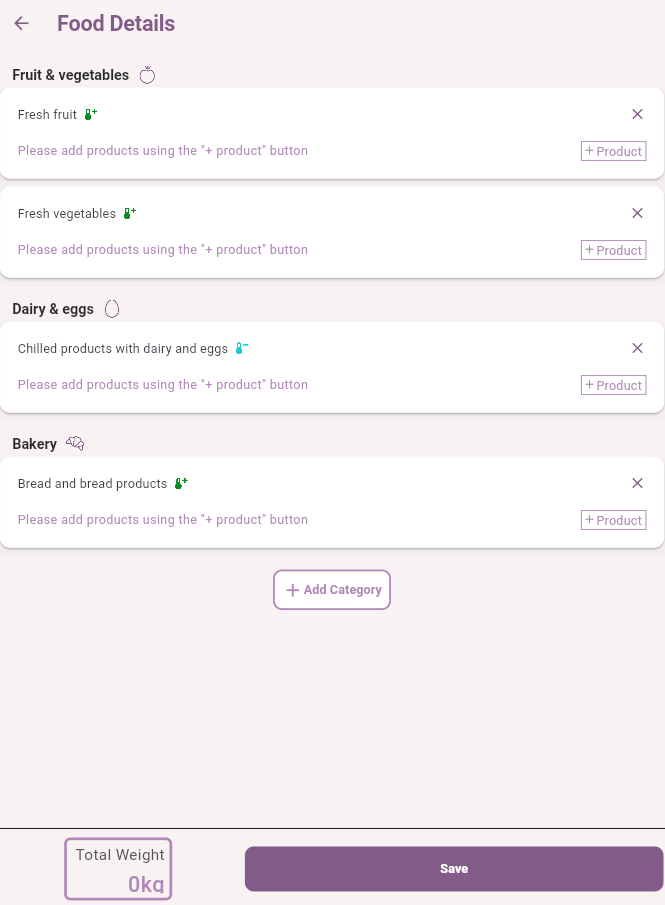
Option 2 - Donors can add product quantities only
-
This setting means the donor can add
-
Product data only
-
-
This setting can be used in combination with Default Values only and/or Approved Products only.
Option 3 - Donors can add category quantities only
-
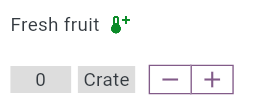
This setting means the donor can add
-
Category data only
-
-
This setting can be used in combination with Default Values only and/or Approved Products only.
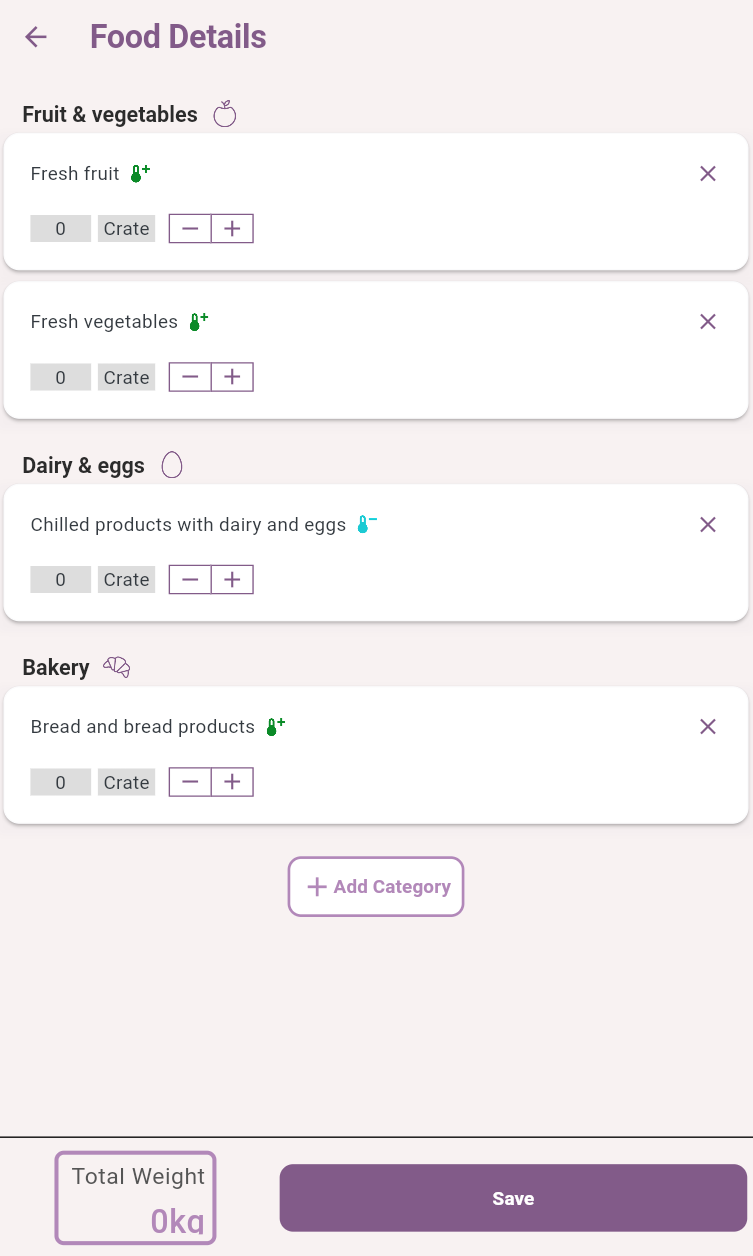
Default values only
-
This setting means the donor
-
Cannot add new categories to add data for
-

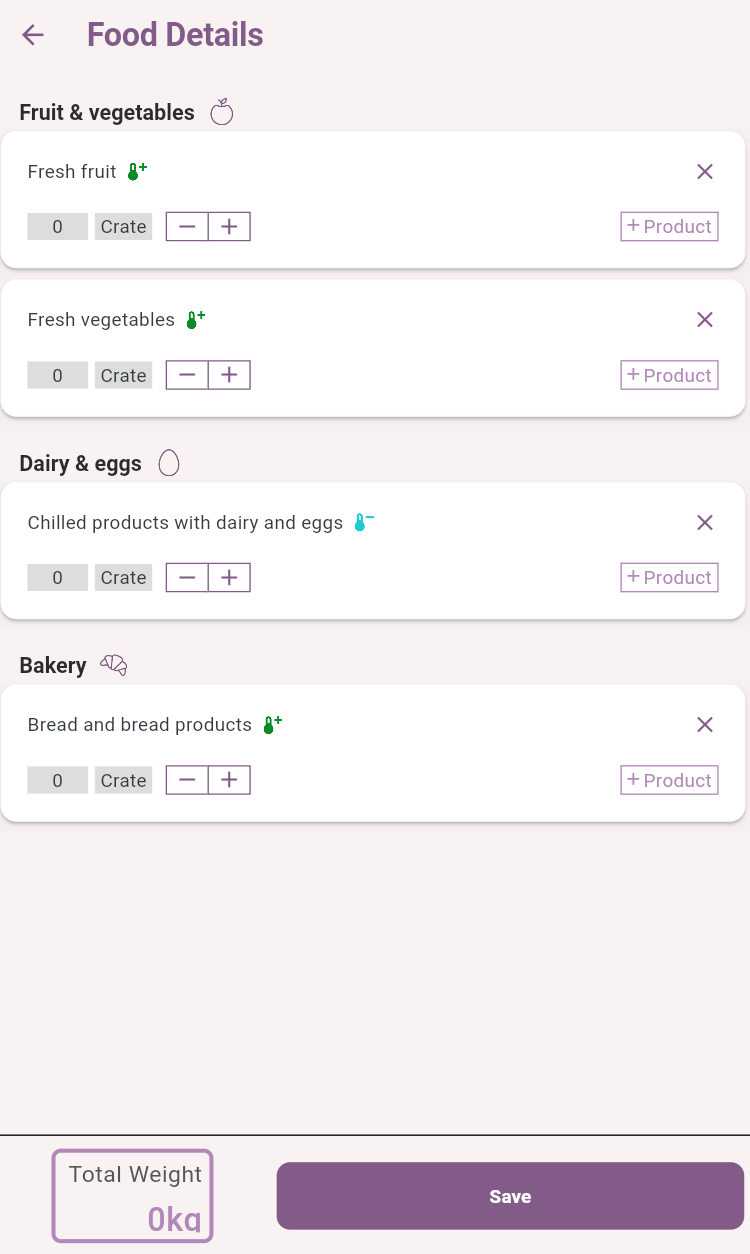
Approved Products only
-
This setting means donors
-
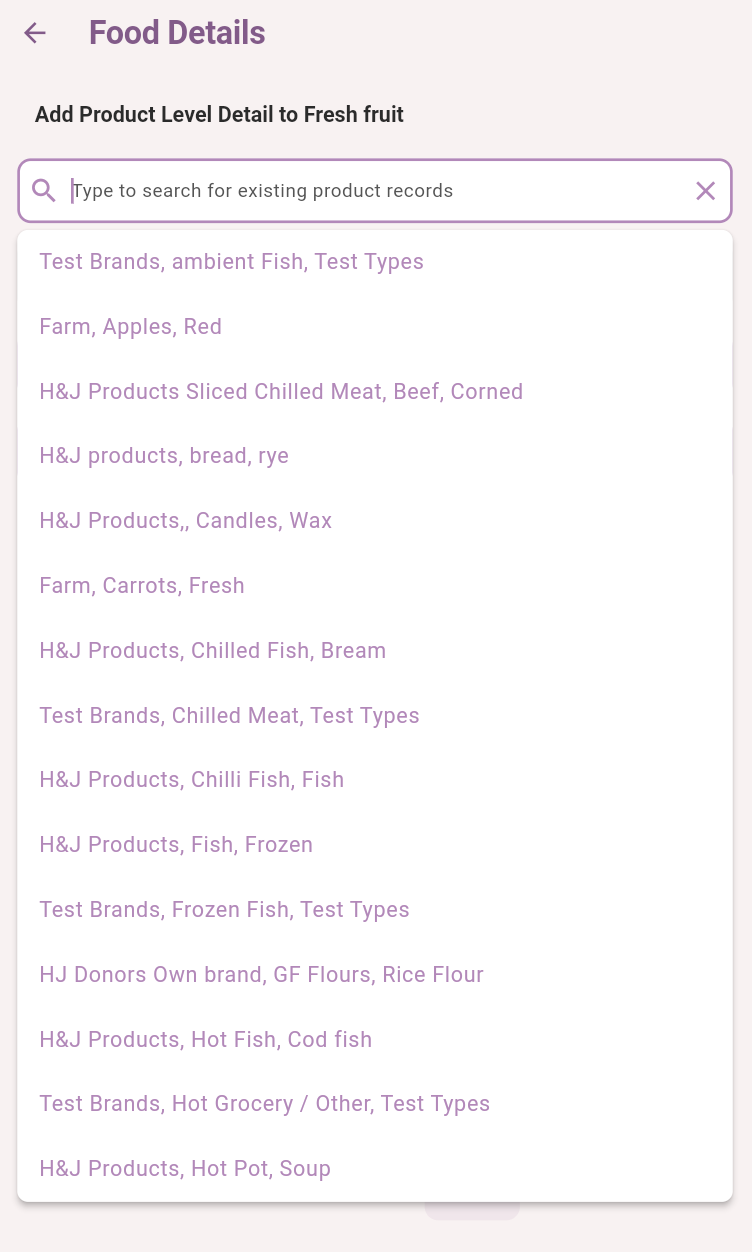
Cannot create new products during the donation creation process
-

Combining the three configuration settings.
You can configure all three settings in a way that suits your donor organisation policies.
Category/Product Level Quantities
|
Default Categories Only
|
Approved Products Only
|
Result
|
|---|---|---|---|
|
Donor can add category & product quantities |
ON |
OFF |
|
|
Donor can add category & product quantities |
ON |
ON |
|
|
Donor can add category & product quantities |
OFF |
OFF |
|
|
Donor can add category & product quantities |
OFF |
ON |
|
|
|
|
|
|
|
Donor can add product quantities only |
ON |
OFF |
|
|
Donor can add product quantities only |
ON |
ON |
|
|
Donor can add product quantities only |
OFF |
OFF |
|
|
Donor can add product quantities only |
OFF |
ON |
|
|
|
|
|
|
|
Donor can add category quantities only |
ON |
OFF |
|
|
Donor can add category quantities only |
ON |
ON |
|
|
Donor can add category quantities only |
OFF |
OFF |
|
|
Donor can add category quantities only |
OFF |
ON |
|
Related articles
Still haven’t found your answer? Try: