
Useful information for food banks, donor branches, donor organisations, charity branches, and charity organisations.
You need to set a password before you can sign in to Foodiverse for the first time. If your link isn't working, start here.
Set your password
-
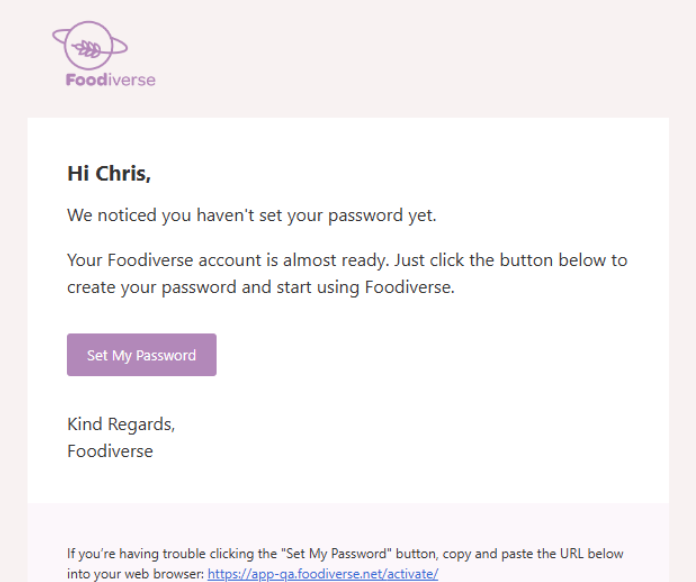
Open the email from Foodiverse and click the button to set your password.
-
Type your new password, then type it again to confirm it.
-
Your password needs at least 8 characters.
-
-
Click Set Password when done.
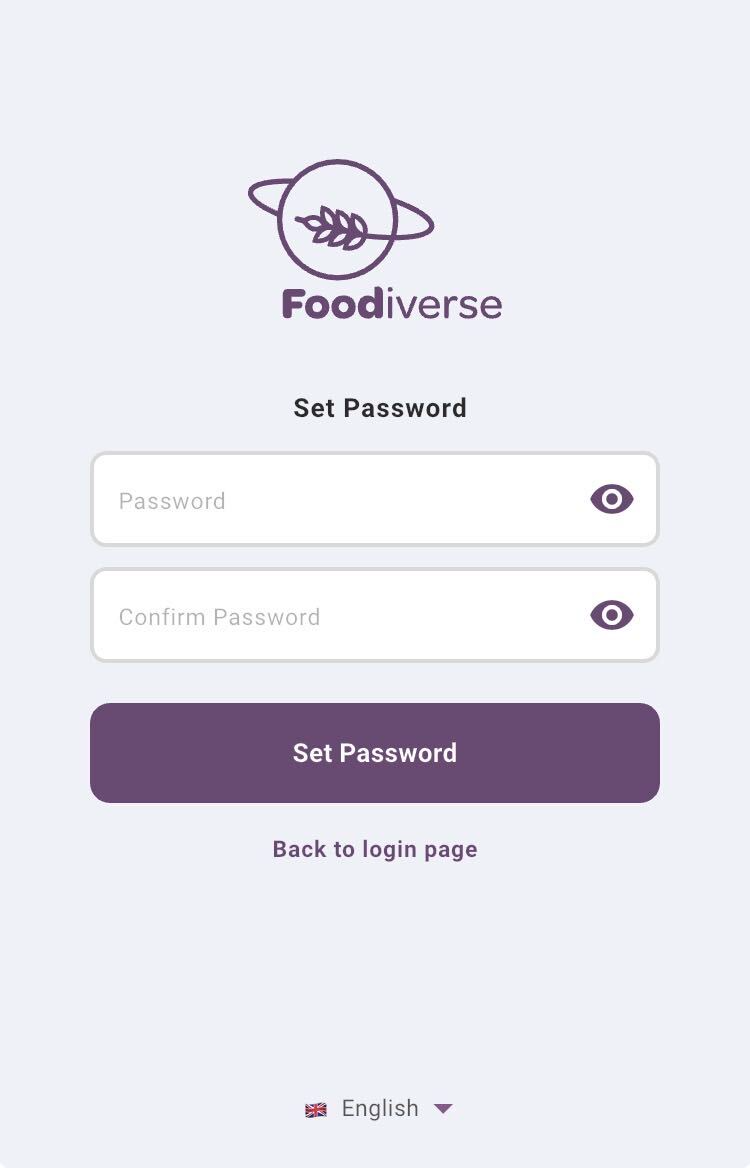
You can now sign in to Foodiverse with your email address and password.
Didn't receive the email?
-
Check your spam or junk folder. Some work email systems block messages from outside.
-
If you haven't set your password yet, Foodiverse sends you up to two reminder emails, about 24 and 48 hours after you registered. Each one contains a new Set My Password button, so use the newest email you have. The reminders stop once you have set your password.
-
Still nothing? Ask for a new email using Lost activation email? on the sign-in page. See Re-sending Activation Email.
Link expired?
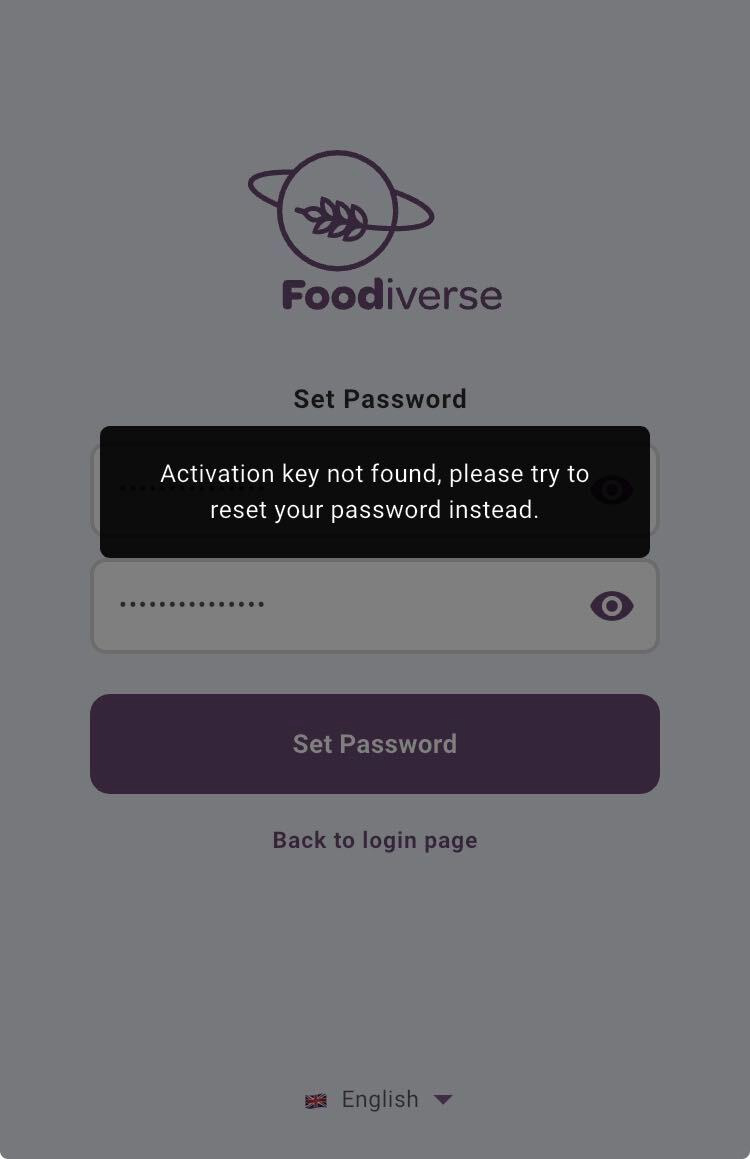
For your security, password links stop working after a while. If you open one that has expired, you will see a page titled Your password link has expired.
-
Enter the email address of your account.
-
Click the button to send a new link to your email.
-
Open the new email and follow the steps in Set your password above.
Still need help?
Contact your Foodnet administrator and let them know which step isn't working.
Related articles
Still haven't found your answer? Try:
Create an Account on Foodiverse